

TanStack Start renders React on the server and ships it as a self-contained Node server. On Rock8Cloud it runs in your own container. Connect your GitHub repo, hit deploy, and you get a live URL in about two minutes.
Deploy your app#
One step: select GitHub repository deployment, connect your repo, and hit Deploy. Rock8Cloud builds the container image and serves your app at a live URL, with build and runtime logs in your browser.
No Dockerfile in the repo? Copy the example below.
Pro tip:Set EXPOSE 3000 in your Dockerfile and Rock8Cloud infers the container port automatically - nothing else to configure.
Example Dockerfile
# Build
FROM oven/bun:1.3.14 AS build
WORKDIR /app
COPY package.json bun.lock ./
RUN bun install --frozen-lockfile
COPY . .
RUN bun run build

# Run
FROM node:22-slim
WORKDIR /app
ENV NODE_ENV=production
ENV PORT=3000
COPY --from=build /app/.output ./.output
EXPOSE 3000
CMD ["node", ".output/server/index.mjs"]
Vite and Nitro emit the whole server to .output, so the runtime image needs nothing else. PORT is overridden by the platform and the server binds whatever it is given.
Don’t have an app?#
One-click start from our open-source template - TanStack Start on React 19 with TanStack Query, Tailwind CSS v4 and shadcn/ui wired up. It’s cloned to your GitHub, built, and put live on our domain. Or just browse it on GitHub and borrow what you need.
Pro tip:You can assign your own domain to the app later.
Or ask an agent instead of clicking. With Rock8Cloud connected over MCP, deploy_blueprint with the tanstack-start slug forks the same template into your GitHub account, creates the project with its service, and starts the first build. The template also ships a .mcp.json, so an agent opened in your clone can redeploy it with a single prompt.
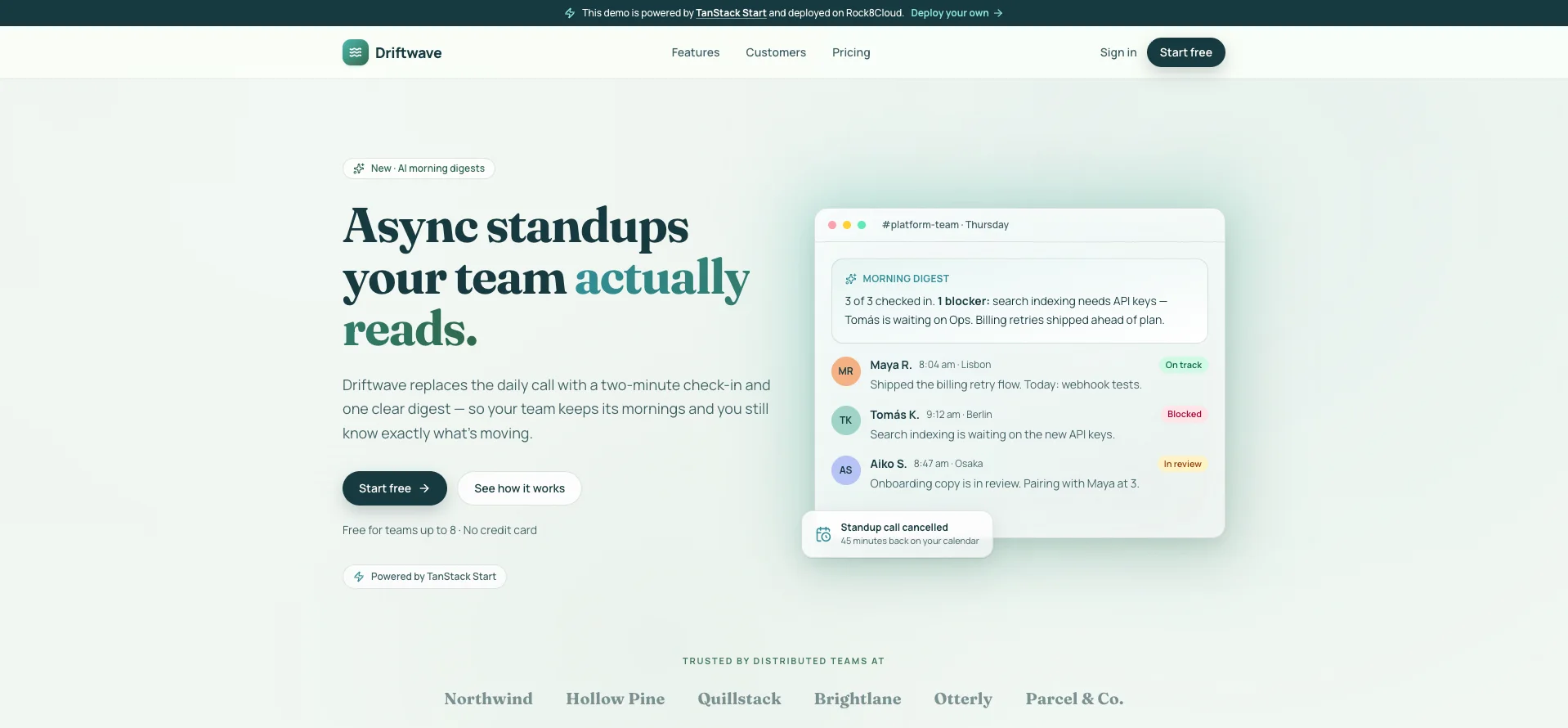
The template’s landing page is for Driftwave, a fictional product. Replace the copy in src/content/landing.ts and add routes under src/routes/.
What you get#
- A live URL on our domain - share it the moment the first build lands.
- Deploy on push - every push to your configured default branch rebuilds and ships automatically.
- A preview URL per pull request - review real builds, not screenshots.
- Instant rollback - one click back to any known-good build.
Environment variables#
Read configuration at request time inside server functions or route handlers (process.env.MY_VAR), not at module top level. The image is built without secrets, and Rock8Cloud provides the environment when the container starts. Anything read in a server function stays on the server and never reaches the browser.
Need a database?#
Server functions can talk to a database directly. Add PostgreSQL or Dragonfly to the same project in one click and link its connection string to your service. Want auth and a separate API from day one? Start from the Elysia + TanStack dashboard instead.