
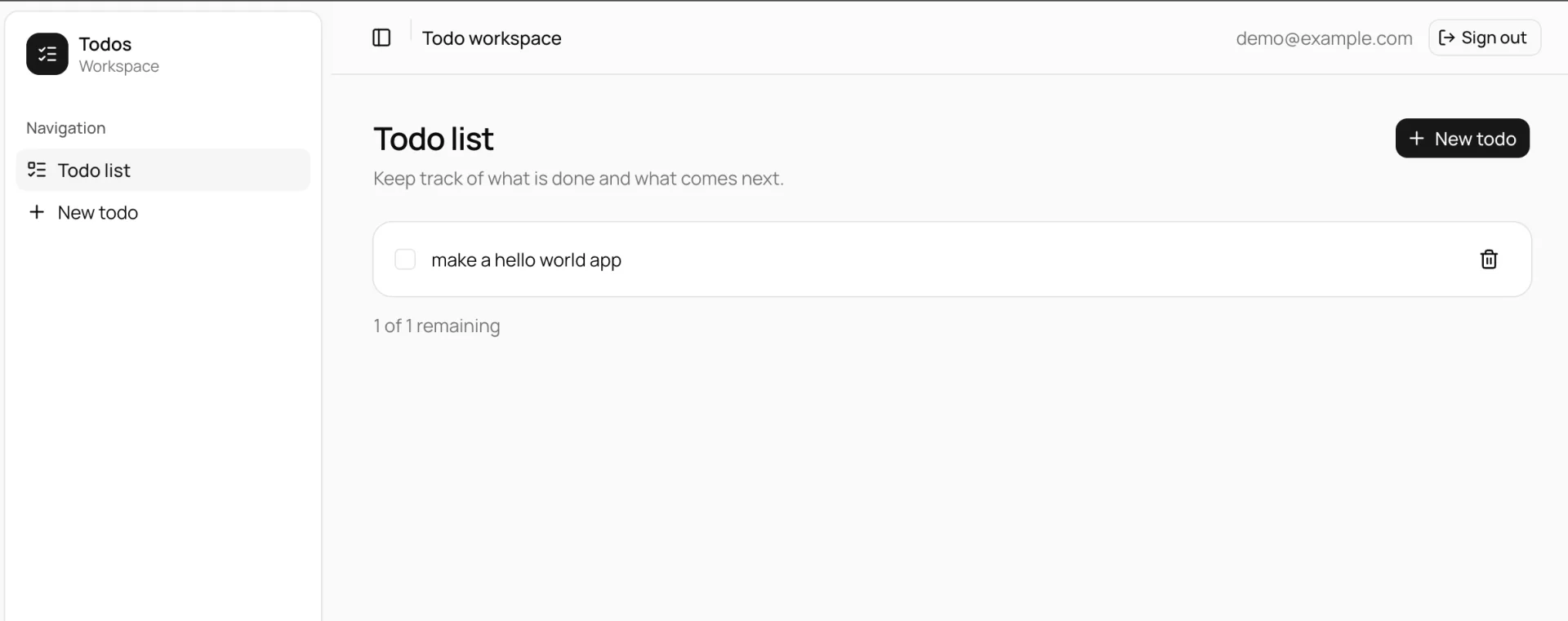
An authenticated dashboard in one deploy - an Elysia API on Bun and a TanStack Start web app, managed as a single Turborepo monorepo. Rock8Cloud provisions the database, generates the secrets, and has you signed in before you have opened an editor.
Or ask an agent instead of clicking. With Rock8Cloud connected over MCP, deploy_blueprint with the elysia-tanstack-dashboard-monorepo slug forks the same template into your GitHub account, creates the project with its services, and starts the first build.
Deploy in one click#
The blueprint clones the monorepo into your GitHub account, then builds two services from it - the Elysia API (port 3001) and the TanStack Start web app (port 3000). A managed PostgreSQL database is provisioned and passed to the API as DATABASE_URL.
The services learn each other’s addresses at deploy time. The API receives its own public URL as BETTER_AUTH_URL and the web origin as CORS_ORIGIN, and the web app is built against the API public URL. Nothing about that is yours to wire.
What is in the box#
| Layer | Technology |
|---|---|
| API | Elysia on Bun, port 3001 |
| Type safety | Eden, the web app imports the API type directly |
| Auth | better-auth cookie sessions, email and password, OIDC-ready |
| Database | PostgreSQL with Drizzle ORM |
| Web | TanStack Start, TanStack Query and shadcn/ui on Base UI, port 3000 |
There is a working todo vertical slice in the repo showing the route to service to query layering, so the first feature you add has a pattern to copy.
Your first login#
The API seeds demo@example.com with a password generated for your deployment. Read it from SEED_USER_PASSWORD in the API service’s environment variables, then sign in at /login on the web URL.
Pro tip: Sign-up is open by default, so anyone who reaches your web URL can register. Restrict or disable emailAndPassword in apps/server/src/lib/auth.ts before putting anything real behind it.
Change the demo password or delete the account once you have your own user. Set SEED_DEFAULT_USER=false to stop seeding entirely.
Changing the schema#
Migrations run automatically when the API starts. To change the schema:
- Edit
apps/server/src/db/schema/* - Run
bun run db:generate - Commit and push
Keep the route to service to query boundaries when adding features. An oxlint rule enforces that only src/db touches Drizzle.
Moving the API#
VITE_SERVER_URL is inlined by Vite at build time, so it travels as a Docker build argument rather than a runtime variable. If you move the API to a different URL, the web service needs a rebuild rather than a restart.
