
Share your static sitein one tool call.
Static site hosting for your agents. Reports, feature previews, campaign drafts: Pages publishes what your agent makes to its own address on rock8cloud.page. Keep it private behind a username and password, or make it public for anyone with the link.
30 days free · EU-hosted · No credit card required
A small website your agent builds and shares for you.
A page is a small static website, HTML, CSS, JavaScript and images, that your agent builds and publishes in one step. It gets its own link on rock8cloud.page, so the thing your agent made is something you can send, not a file in a chat.
Reports
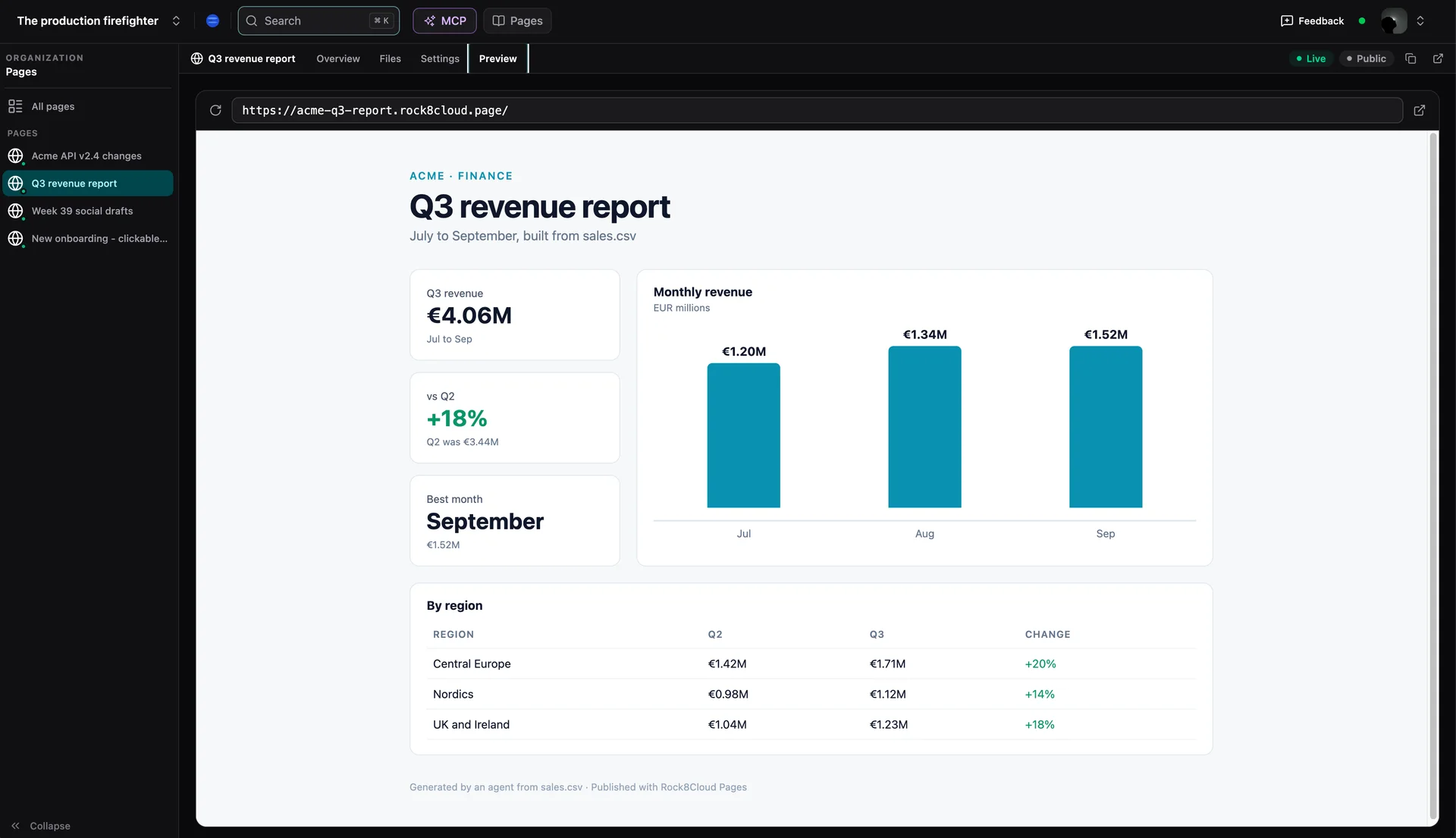
Numbers from a CSV or a database, turned into a page with charts that anyone can open.
“Turn last month's sales.csv into a report page”
Feature previews
A clickable mockup of what you are about to build, shared before a line of backend exists.
“Publish a clickable mockup of the new onboarding”
Drafts for review
Copy, posts or designs your team should look at together, on one link instead of a thread.
“Put this week's social posts on a page for the team”
Docs and handoffs
Release notes, API changes or a project summary for a client, without setting up a docs site.
“Publish the API changes as a page for the client”
Three steps from a prompt to a link.
- 01
Connect your agent
Add the Rock8Cloud MCP server to Claude, Cursor or any other MCP client. It takes a minute and one sign-in.
Connect Claude → - 02
Ask for a page
Describe what you want and end with "publish it as a Rock8Cloud page". Your agent builds the files, calls publish_page and answers with the link.
- 03
Share it or lock it
Send the link. From the dashboard you can make the page public, rename its address or take it offline.
Build a Q3 revenue report from sales.csv and publish it as a Rock8Cloud pagetry it with your agentPublic or private
Every page is private until you decide otherwise: your agent sets a username and password when it publishes, and only people with them can open the link. Ask for a public page, or switch one to public later in the dashboard, when anyone with the link should see it.
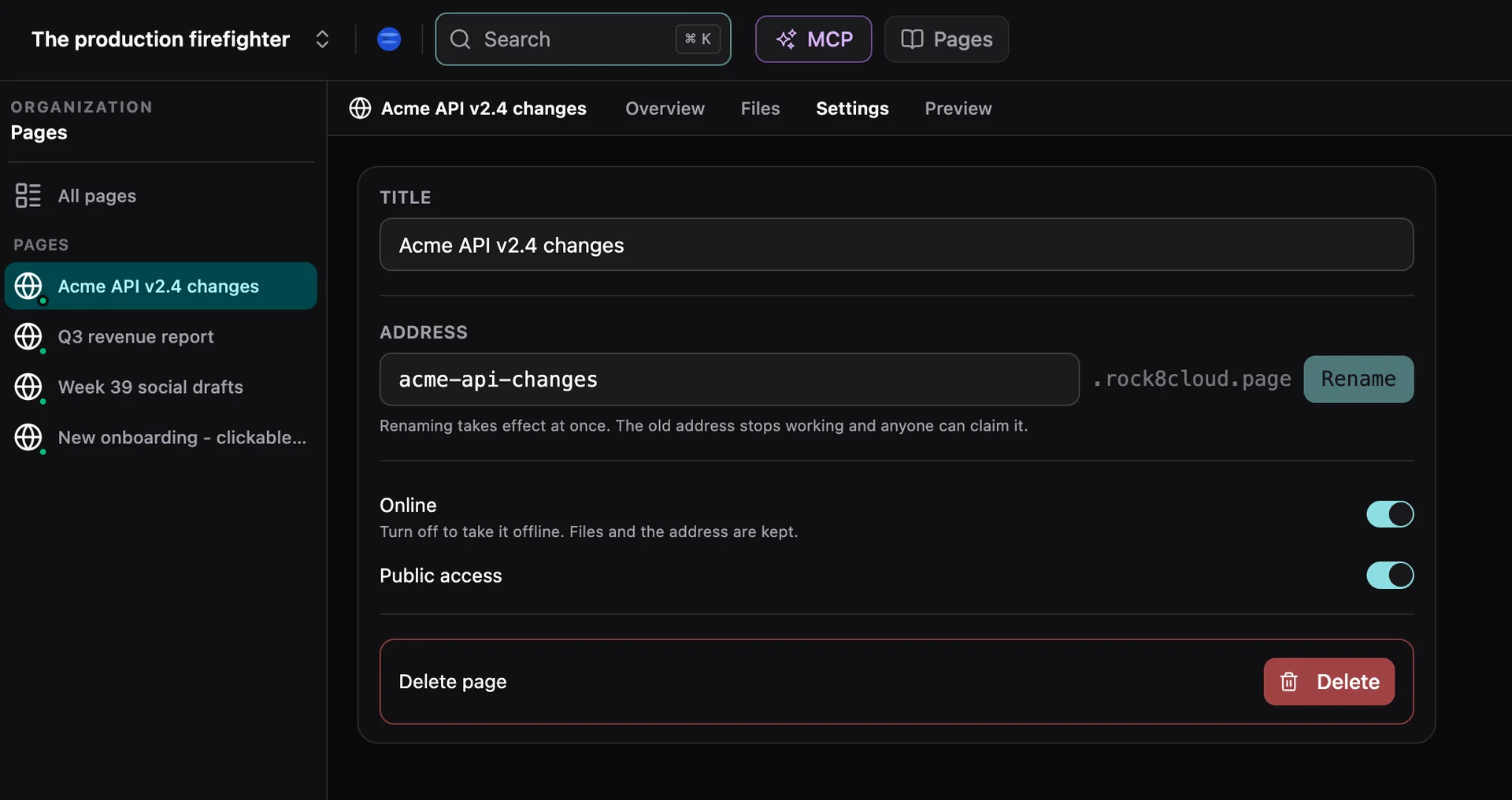
Every page your agents published, in one place.
An address of its own
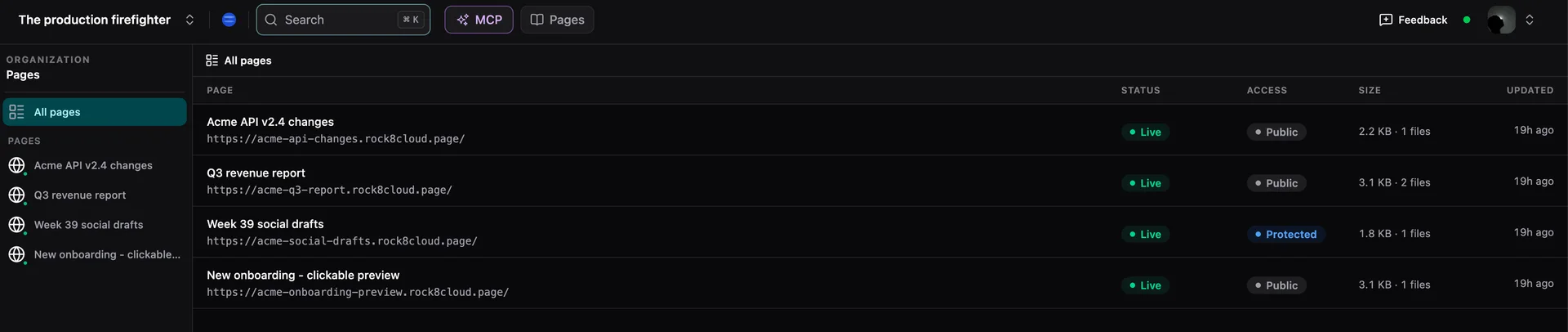
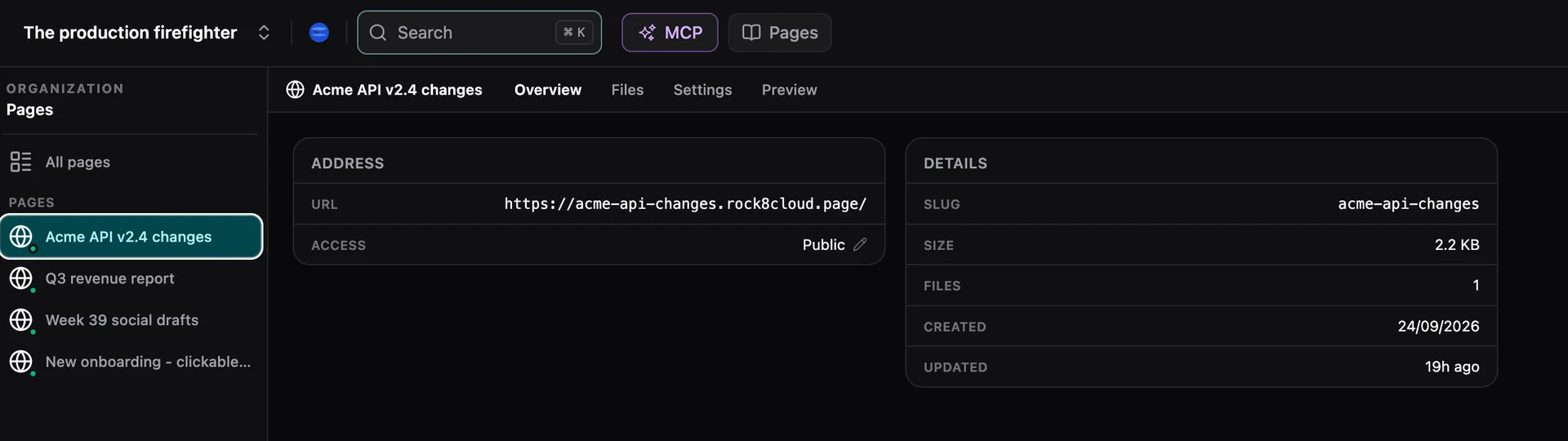
Every page lives at name.rock8cloud.page, served at the root. Pick the name or let it come from the slug, and rename it any time.
Private by default
A page needs a username and password unless you make it public on purpose. Rotate the password or open it up from Settings.
Offline without deleting
Take a page down and keep its files and its name. Switch it back on when it is ready to be seen again.
Manage it from the dashboard
Every page in one list, with its files, its settings and a live preview next to the address you share.
Links that last
Republishing keeps the address, so a link you shared always shows the latest version. Old Artifacts links keep working too.
Isolated by design
Each page is its own origin, apart from other pages, your apps and the dashboard. A page cannot read its neighbours or your cookies.
Everything your agent needs to know.
- Per page
- 5 MB, up to 200 files
- Per file
- 1 MB
- Entry point
- index.html at the root
- Updating
- Republish the slug, the whole site is replaced
- Address
- <name>.rock8cloud.page
- Agent tools
- publish_page, list_pages, delete_page
From Artifacts to Pages.
What changed
Pages ran in beta as Artifacts since July. You used it to share reports and previews, and you told us what got in the way. The shared organization address came up the most, so every page now gets its own. The rest followed: a dashboard to manage pages, a live preview, and tool names that say what they do.
Headed for free, for everyone
Pages is included in every plan today. We are working hard to let anyone publish pages without a subscription at all, and we will keep you informed as that lands.
Questions beforeyour first page.
What you can publish, who can see it, and what it costs.
Today Pages is included in every Rock8Cloud plan. We are working hard to let anyone publish pages without a subscription at all, and we will keep you informed as that lands.
Static files: HTML, CSS, JavaScript, images and data files, up to 5 MB per page, 1 MB per file and 200 files, with an index.html at the root. Everything runs in the browser, so a page has no server code. When you need a backend, deploy an app instead.
Ask your agent to publish again with the same slug. The whole site is replaced with the new files and the address stays the same, so every link you already shared shows the new version.
Only people with its username and password, until you make it public. Pages are private by default. You can switch a page to public, rotate its password or take it offline from the dashboard at any time.
Shorter URLs for every app and page.
Why pages moved from a shared organization path to name.rock8cloud.page, and how apps got short names too.
Your software factoryis already running.
Deploy your first app in 60 seconds. Bring your repo, bring your agents. Every station you just read is live.
30 days free. No credit card required to start.