
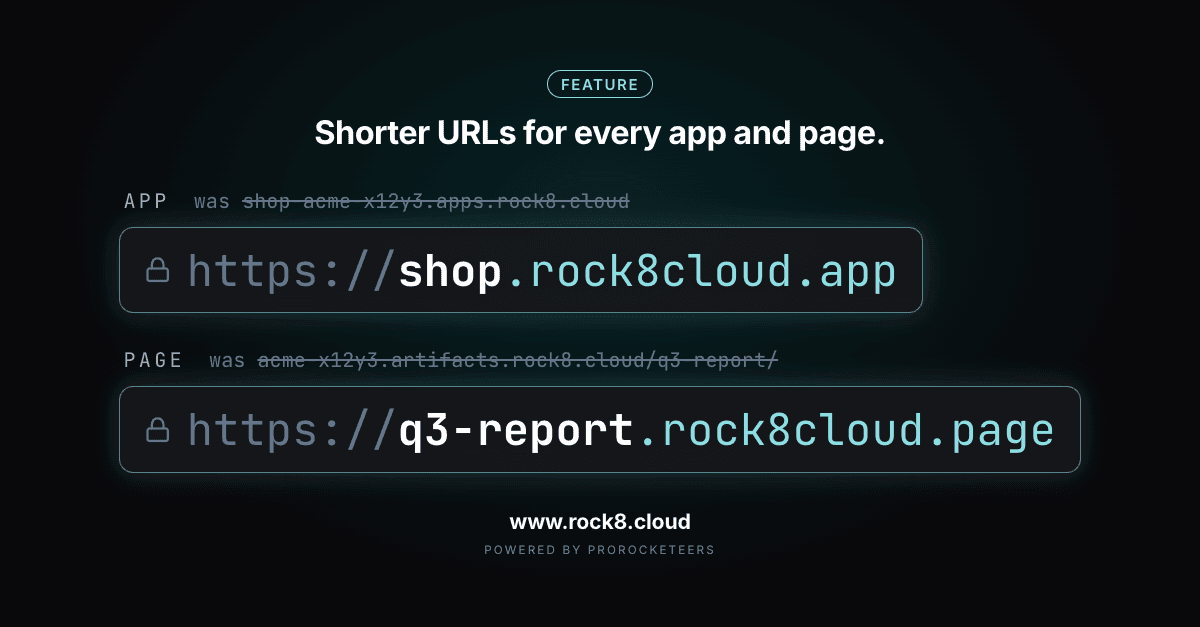
Shorter, cleaner URLs were one of the most frequent requests we heard from you. Nobody wants to paste a link with an organization slug and a random suffix into a client email, so we changed it. Every new app on Rock8Cloud now lives at name.rock8cloud.app, and every page your agents publish lives at name.rock8cloud.page. The organization slug is gone from both, and nothing that already works breaks.
What changed#
| Before | Now | |
|---|---|---|
| App | shop-acme-x12y3.apps.rock8.cloud | shop.rock8cloud.app |
| Pull request preview | pr-42-shop-acme-x12y3.apps.rock8.cloud | pr-42--shop.rock8cloud.app |
| Page | acme-x12y3.artifacts.rock8.cloud/q3-report/ | q3-report.rock8cloud.page |
| Custom domain | unchanged | unchanged |
The old addresses carried two things nobody asked for: the organization slug, with a random suffix, and a shared host with a path for pages. The new ones carry the name you picked and nothing else.
Apps: one name, no organization in it#
A new app gets https://<name>.rock8cloud.app. You pick the name when you create the app, or take the one derived from the service name. Names are first come, first served across the whole platform, so the good ones go to whoever claims them first. They use lowercase letters, digits and single dashes.
Pull request previews follow the same shape with a prefix, pr-42--shop.rock8cloud.app. A double dash can never appear in a name you claim, so a preview address can never collide with somebody’s app.
Custom domains work exactly as before. A verified domain keeps serving next to the platform address.
Existing apps keep their address#
Apps created before this change keep <service>-<org>.apps.rock8.cloud. We did not move anything for you, because a moved address breaks every link, bookmark and OAuth callback pointing at it.
When you want the short name, open the app’s Build settings and pick a name. Two things to know before you save:
- The old address stops working right away. There is no redirect.
- Environment variables that contain the old URL need updating by hand. The usual ones are
BETTER_AUTH_URL,CORS_ORIGIN,PUBLIC_URLand OAuth callback URLs at your identity provider.
Pages: an address of their own#
Pages (formerly Artifacts), the static sites your agents publish, used to share one organization host with a path per page, acme-x12y3.artifacts.rock8.cloud/q3-report/. Now each page gets its own address, q3-report.rock8cloud.page, served at the root.
The name comes from the page slug on the first publish, or from the hostname your agent passes to publish_page. You can rename a page in its Settings, and the old name is free for anyone to claim the moment you do.
Serving each page at the root of its own origin matters more than it looks:
- Relative links,
fetch('/data.json')and single-page app routing just work, because the page is not buried under a path. - Every page is isolated from every other page. One page cannot read another page’s
localStorageor call into it, even inside the same organization. - Pages never share an origin with your apps or the dashboard, so a published page cannot touch your app’s cookies.
Everything else about Pages, from publishing to the dashboard, is on the Pages platform page.
Why two domains#
An app is a full application from your Git repository, with business logic, users and data behind it. A page is a simple static site that an agent publishes in one step. Giving pages their own domain keeps them safely apart from your apps.
It also means the two have separate name pools. shop.rock8cloud.app and shop.rock8cloud.page can both exist, owned by different teams, without either blocking the other.
What you need to do#
| If you have | You need to |
|---|---|
| A new app | Nothing. It gets name.rock8cloud.app from the start. |
| An existing app | Nothing, unless you want the short name. Then pick one in Build settings and update env vars that hold the old URL. |
| A new page | Nothing. It gets name.rock8cloud.page on its first publish. |
| A custom domain | Nothing. It keeps serving as before. |